Accounting and statements
A ready Egyptian chart of accounts, gap-free numbered entries, trial balance, income statement, balance sheet and cash flow, printed or exported to Excel.
From the daily journal to e-invoices, payroll and manufacturing. It runs on your computer even without internet, and your data stays with you.
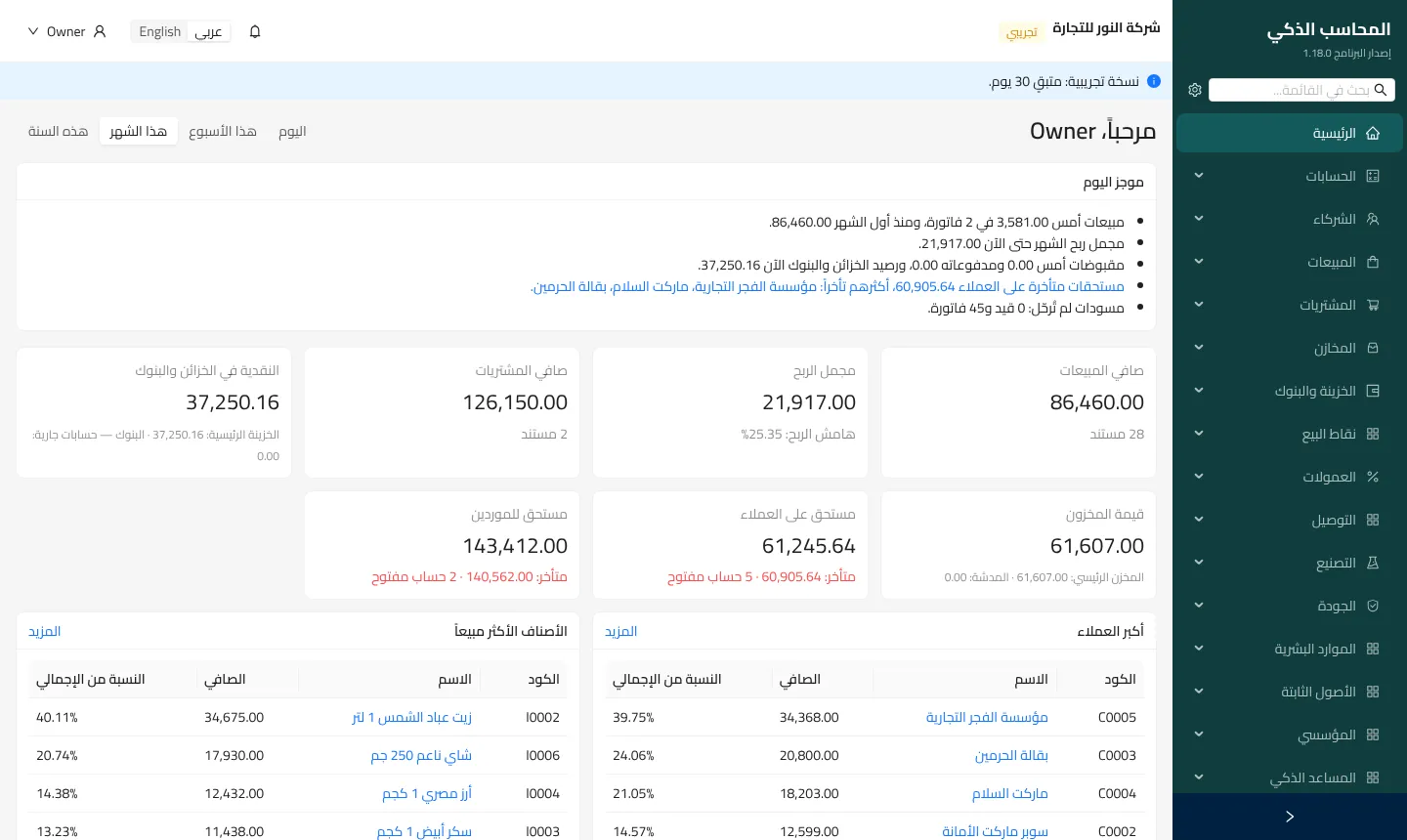
Modules that work together: every invoice and voucher makes its own journal entry, so the books stay right without effort.
A ready Egyptian chart of accounts, gap-free numbered entries, trial balance, income statement, balance sheet and cash flow, printed or exported to Excel.
Quotes, orders, invoices and returns, credit limits and terms, discounts and price lists, and the customer balance on the printed invoice.
Multiple units and warehouses, transfers, stock counts and item cards, weighted-average cost, lots and expiry dates.
Invoices and returns sent to the Tax Authority automatically once posted, and e-receipts with QR codes at the point of sale.
VAT, table tax and withholding, the monthly VAT return and Form 41, and an option for companies not registered for VAT.
A fast barcode till, cash and card payments, thermal receipts, and shifts with an end-of-day report.
Employees, attendance and leave, advances, and payroll with social insurance and income tax, posted and paid automatically.
Recipes and production orders at actual cost, stages and work centers, material planning and quality checks, plus ready-made solutions for specific trades such as feed mills and milk collection centers.
Branches with inter-branch accounts, several companies in one installation with consolidated statements, approvals and budgets.
Ask about your numbers in Arabic, read supplier invoices from a photo, spot unusual transactions, and forecast cash.
The program runs in your office and sends every change to a cloud copy, so management can follow the numbers from a phone.
Roles and permissions per screen and action, an audit log nobody can edit or delete, and posted entries that cannot be changed.
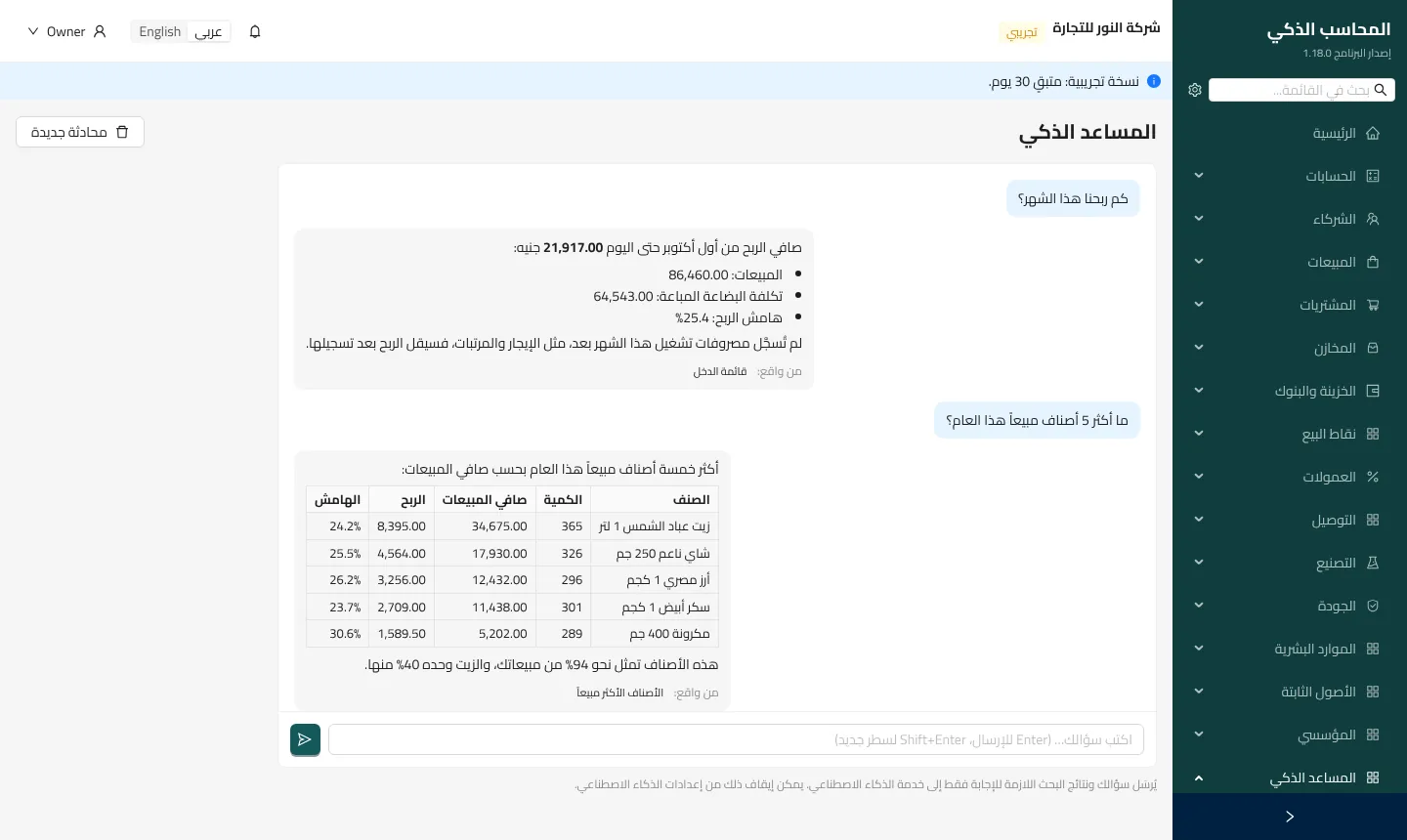
Type a question in plain words. The AI assistant searches your books and answers with the figures in seconds, adds a note worth your attention, and names the report the answer came from.
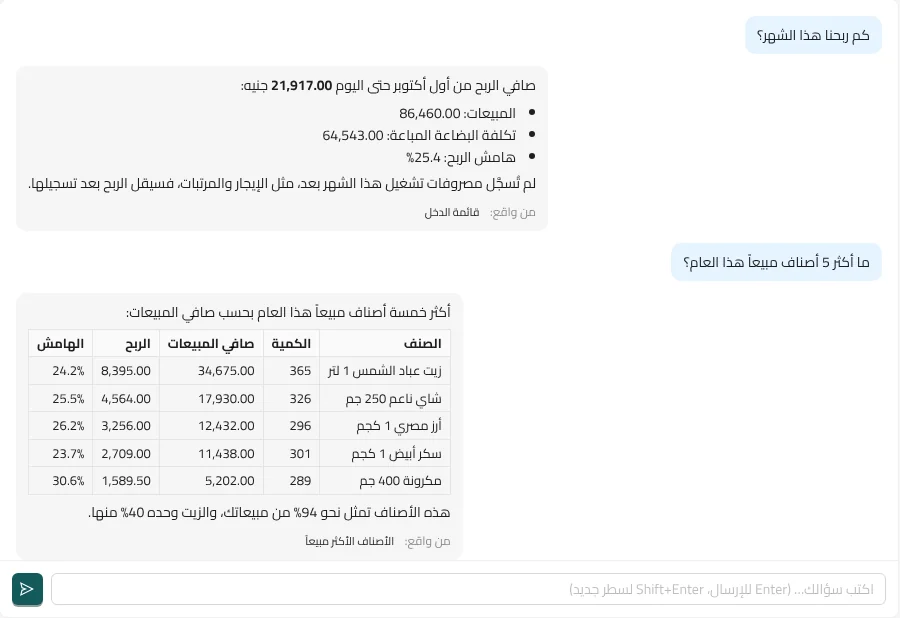
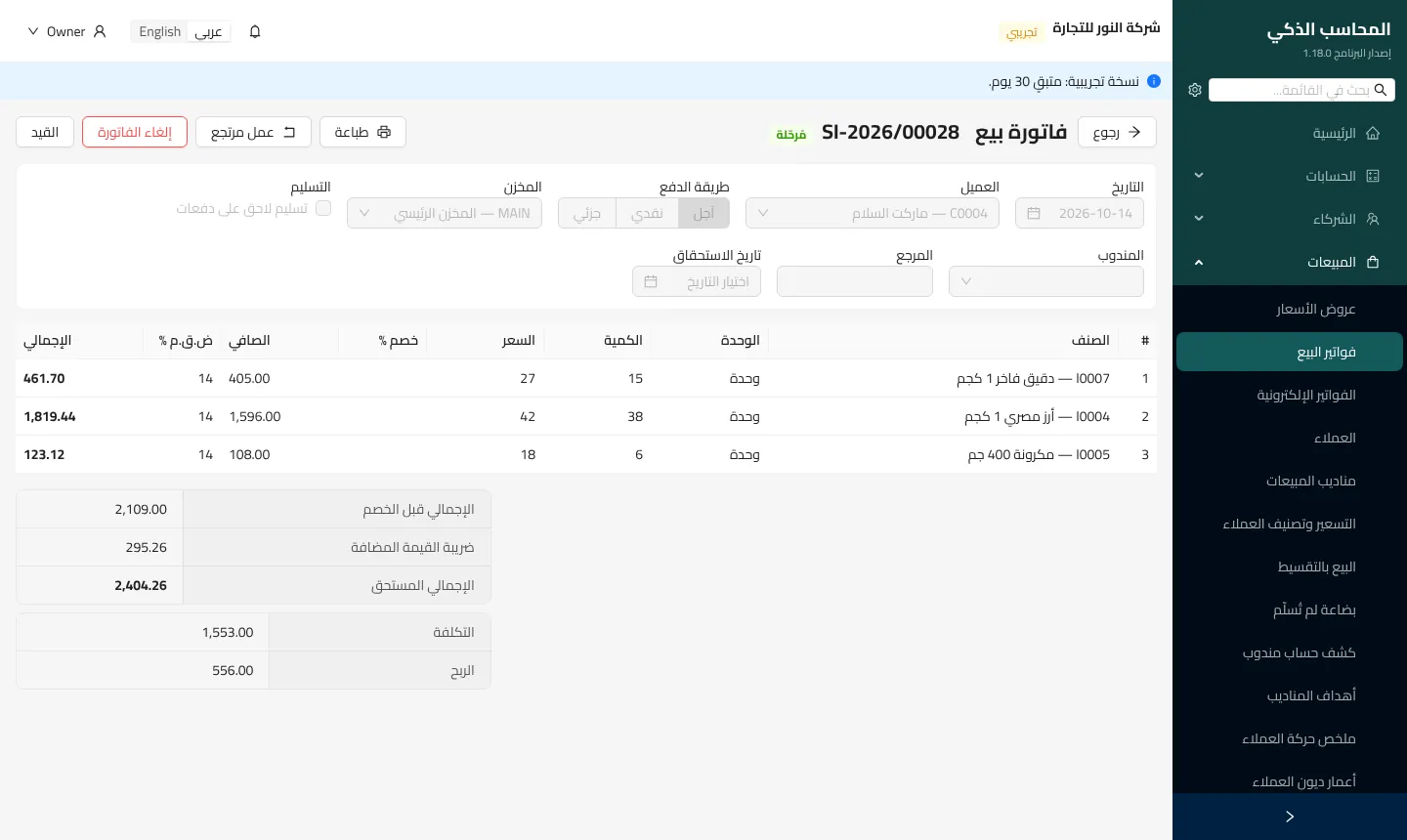
Real screenshots of the program with sample data.
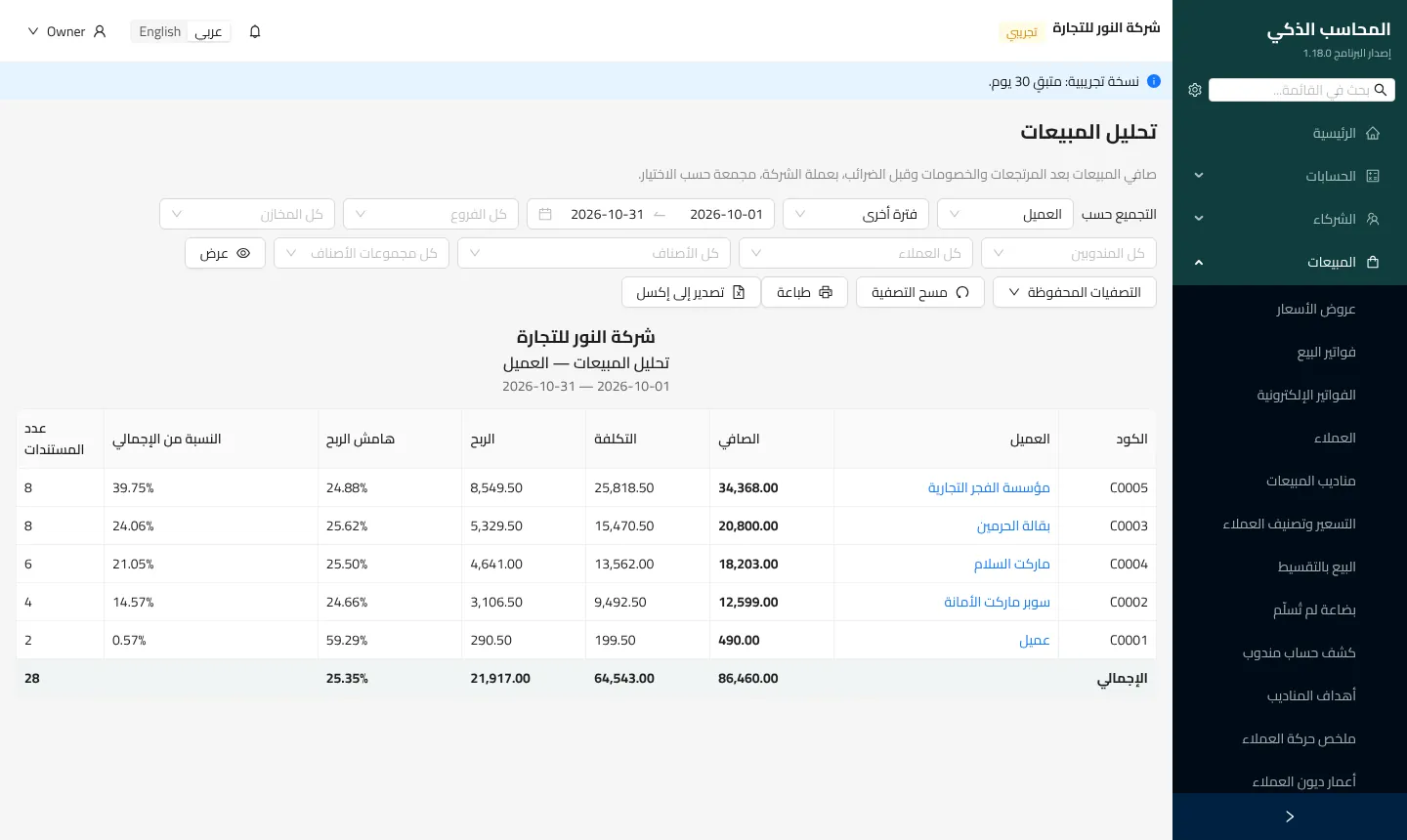
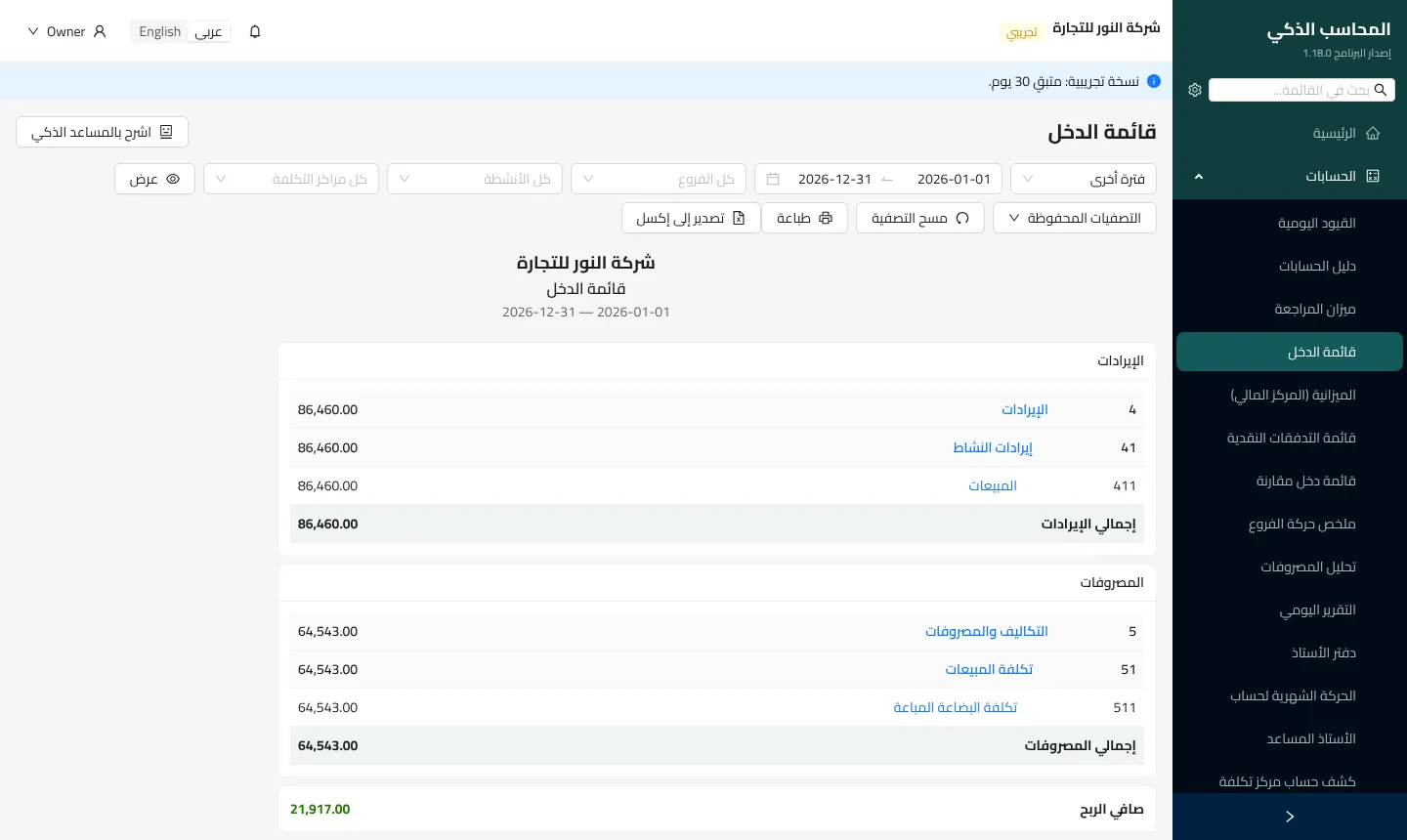
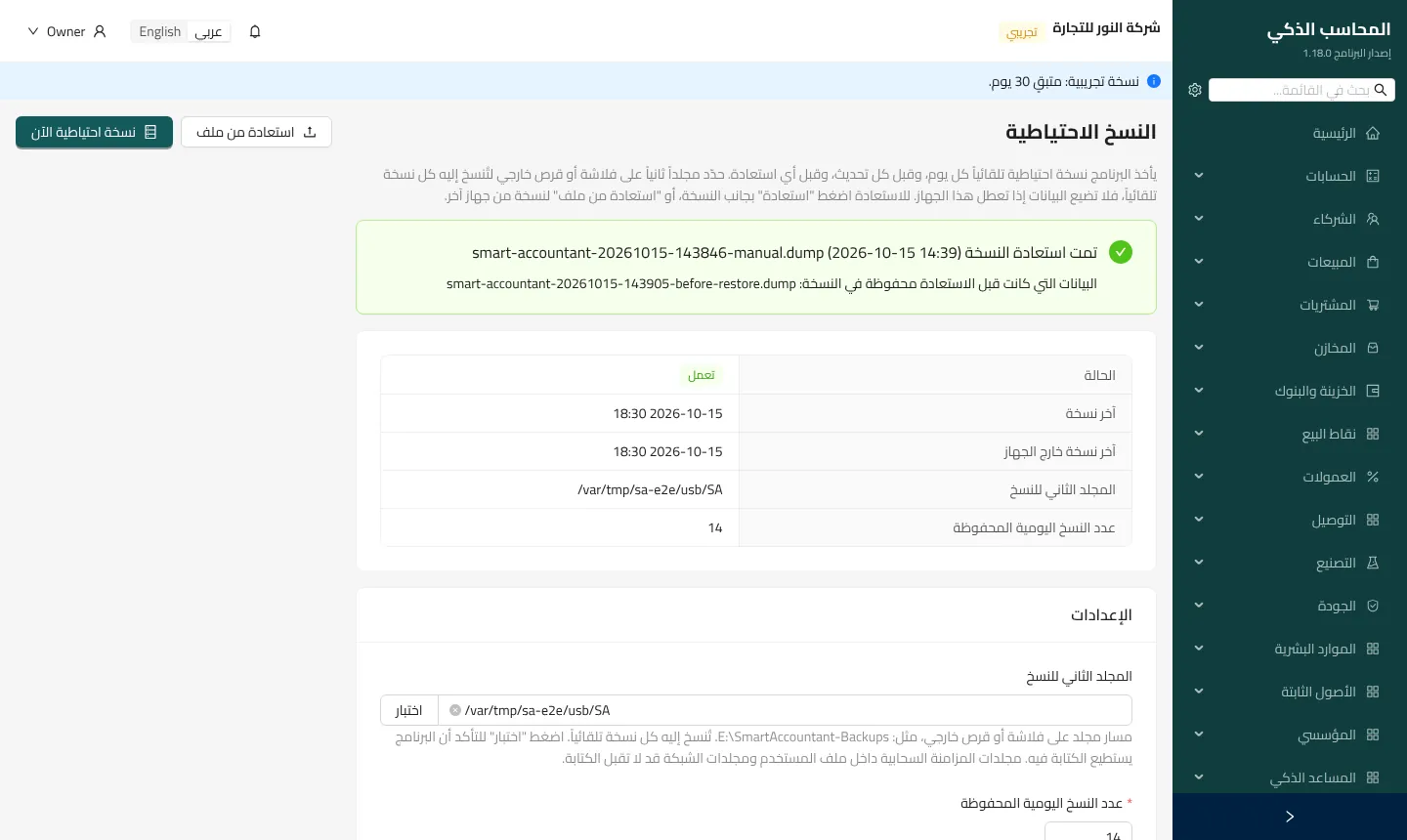
Start with the free 30-day trial with every feature, then pick the plan that fits. Prices in Egyptian pounds.
One file that brings everything it needs; nothing else to install.
Choose the language, and turn on office network access if staff will sign in from their own computers.
The program opens in the browser with a short setup, and the free trial starts right away.
No. It runs on your computer and office network without internet. The internet is only needed to send e-invoices, for online activation, and for the AI assistant if you use it.
On your own computer, in the program’s own database. We do not see your data or keep a copy. The program backs up every day, and can copy each backup to a USB drive or external disk.
Your data stays as it is. Activate a license and carry on where you left off, without entering anything again.
Yes. Install it on one computer in the office; staff sign in from their computers or phones through the browser on the office network, each with their own permissions.
Yes: e-invoices for invoices and returns, and e-receipts at the point of sale, signed and sent automatically once posted.
Install the program on the new computer, restore the latest backup from the backups screen, and move the license from your account.